
Controls
Every Illegal Soccer keybind and setting explained: Kick, Tackle, Lob and Request on PC, mobile differences, plus Assisted Passes and Automatic Item Use.
Introduction
The Controls hub is the complete keybind and settings reference for Illegal Soccer. Six core actions run the game — Kick (F), Tackle (E), Lob (R), Request Ball (Q), Sprint (Shift), and Jump (Space) — and two settings quietly change how playable it feels: Assisted Passes and Automatic Item Use. This hub explains every input, the differences between PC and mobile play, and the settings most players change before their first match. If you have ever fumbled a tackle or missed a pass because of the controls, this is the page to fix it. The hub also covers the settings menu, where Assisted Passes and Automatic Item Use can be toggled before you ever step onto the pitch.
Core Controls Reference
| Action | Key | Notes |
|---|---|---|
| Kick | F | Primary ball action for passes and shots |
| Tackle | E | No-referee tool — connects with or without the ball |
| Lob | R | Arcs the ball over defenders and the keeper |
| Request Ball | Q | Ask teammates for a pass |
| Sprint | Shift | Speed burst for chases and breakaways |
| Jump | Space | Clear low shots and dodge tackles |
Keybind Breakdown
Kick
F — your primary ball action
Tackle
E — the no-referee tool
Lob
R — the keeper-beating arc
Request Ball
Q — the team-play call
Sprint
Shift — the speed burst
Jump
Space — the clearance and dodge
Core Mechanics
Illegal Soccer maps its six core actions to simple keys so the chaos stays readable. Kick (F) is your primary ball action for passes and shots, while Tackle (E) is the no-referee tool that connects with or without the ball — the game has no fouls, so timing is everything. Lob (R) arcs the ball over defenders and the keeper AI, Request Ball (Q) calls for a pass, Sprint (Shift) powers chases, and Jump (Space) clears low shots. Two settings matter most: Assisted Passes locks passes onto nearby teammates, and Automatic Item Use fires your equipped gadgets without an extra button press.
Advantages
The control scheme is simple enough to learn in one match and deep enough to master. Six keys cover every action, so new players can focus on the chaos instead of the keyboard, while the Lob and Tackle mechanics reward timing practice. Assisted Passes is the standout setting — it makes team play dramatically more reliable and is widely considered essential. The scheme also translates across platforms: the same six actions map to mobile touch controls, so players switching between PC and mobile keep their muscle memory. The simple scheme also keeps the skill floor low: a player who learns six keys can focus entirely on reading the keeper AI and timing tackles, which is where matches are actually won.
Challenges
The controls have real gaps. There is no dedicated pass button beyond the assisted system, so unassisted passing relies on kick direction and can feel imprecise. Tackle (E) is a commitment — with no fouls, a mistimed tackle leaves you out of position and the opponent still on the ball. Mobile players face an extra layer of difficulty: touch controls are less precise than keys for lob arcs and tackle timing, and the smaller screen makes reading the keeper AI harder. The lack of a dedicated pass button also means unassisted play relies on kick direction, which takes practice to aim reliably under pressure.
Frequently Asked Questions
What are the most important settings to change?+
How do I tackle without getting beaten?+
Are the controls different on mobile?+
Quick Tips
Enable Assisted Passes before your first match — it locks passes onto nearby teammates and is the single most impactful setting in the game. Assisted Passes is the single most impactful setting in the game — it locks passes onto nearby teammates, which turns chaotic kick-offs into controlled possession chains.
Use the kickoff trick to learn tackle timing: let an opponent take the first touch, then press E immediately to steal with their defense turned around. The kickoff trick is the fastest way to learn tackle timing: let an opponent take the first touch, then press E immediately to steal with their defense turned around.
Practice the Lob (R) in the practice field — a well-arced lob over the keeper AI beats head-on shots, which the keeper reads reliably. Spend five minutes in the practice field learning the Lob arc — a well-arced lob over the keeper AI beats head-on shots, which the keeper reads reliably.
Featured
Illegal Soccer How to Kick: Keybinds, Tackle, and Sprint Basics
Master Illegal Soccer kick, tackle, lob, and sprint controls on PC, plus how to request the ball and time your shots so every touch counts in a real match.
Illegal Soccer Keybinds: F, E, R, and Q Default Controls on PC
Map every default Illegal Soccer PC keybind from F and E to R and Q, then learn the fastest way to remap your controls for cleaner plays in ranked matches.
Illegal Soccer Settings Explained: Assisted Passes First
Illegal Soccer settings explained plainly: Assisted Passes, Automatic Item Use, camera options, and the tweaks that make eight-player matches feel far smoother.
All Articles

Illegal Soccer Tackle Button: PC Dribble, Lob, and Controls Guide
Lock in the Illegal Soccer tackle button layout with the default PC key for tackles, plus the dribble and lob controls you need to win possession every match.
Illegal Soccer What Key Is Lob? Default Binds Answered
What key is lob in Illegal Soccer? The R key sends lofted passes and shots. See the full default binds for PC, the mobile touch layout, and controller equivalents.
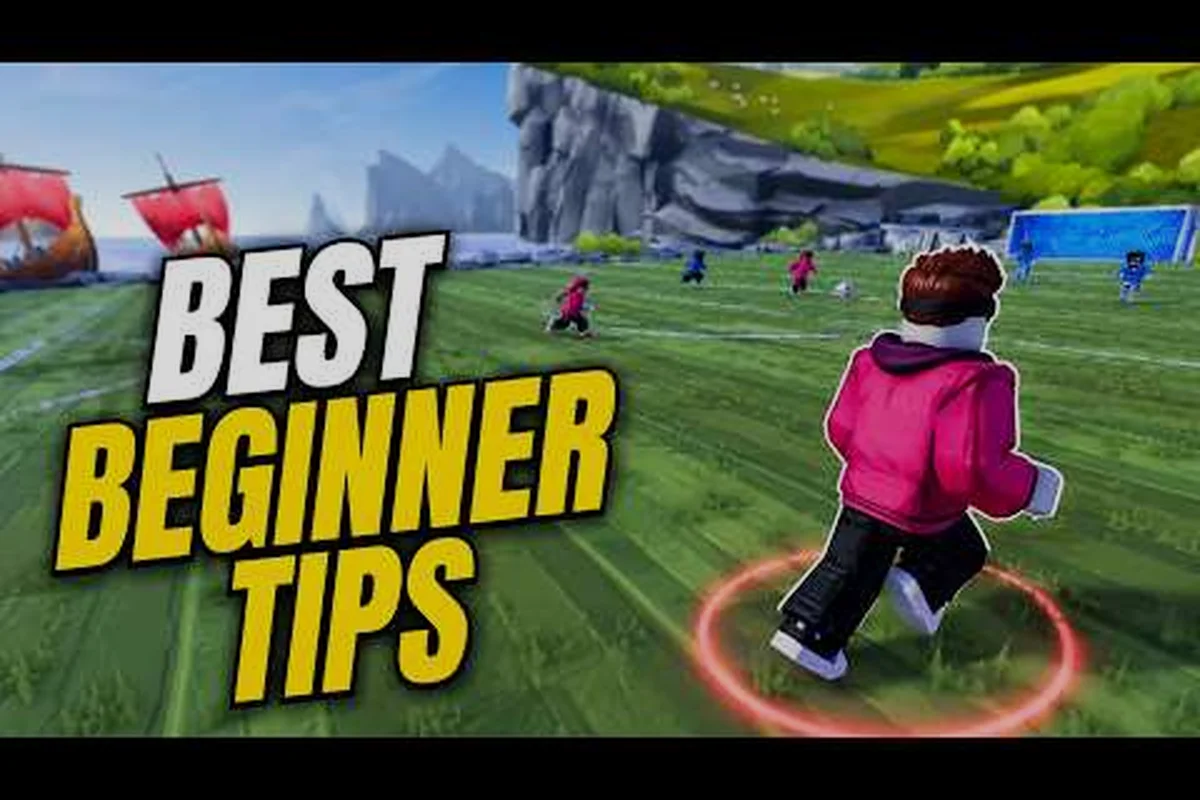
Illegal Soccer How to Play on Mobile With Touch Controls
Playing Illegal Soccer on mobile works well with the right layout. Learn touch controls, the kick button placement, and performance tweaks for phones and tablets.